 Gplayer
Gplayer Android TV. Gplayer Fire TV. A new horizon.
Gplayer Android TV / Gplayer Fire TV brings the Gplayer experience to Android TV and Fire TV. Your own sources, easy remote navigation and room for all your media.
A Gplayer family for each screen.
Your content takes its place.
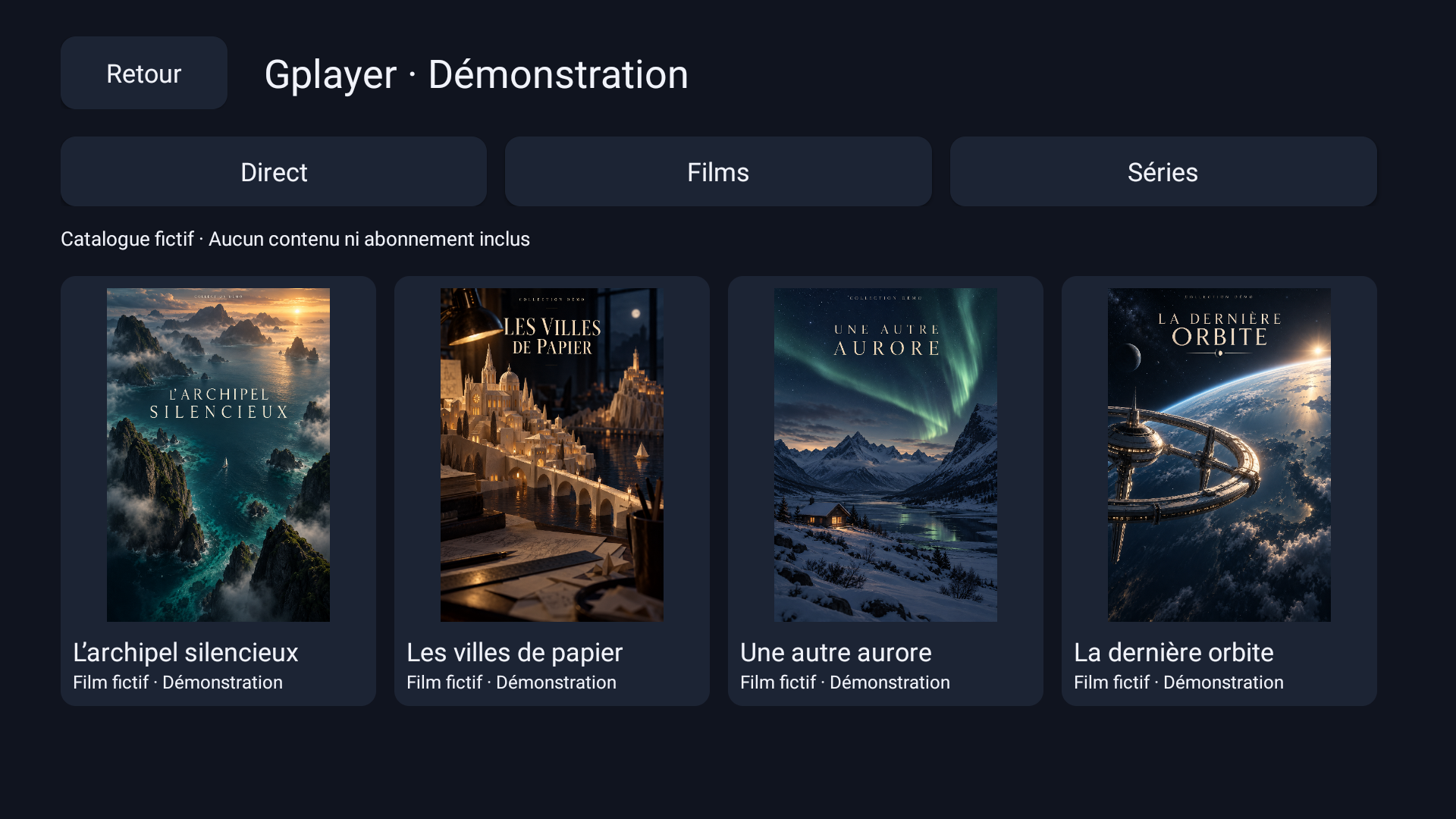
Live illustration and captures from the demo catalog on Mi Box 4. Original posters and entirely fictional programs, created to feature Gplayer.

Evening lights
An imaginary journey between sky and mountains.
To be continued · The colors of tomorrowLive, at a glance
A channel list and preview area, with program information below. EPG data depends on your source.
Presentation illustration with fictitious data; no stream broadcast on this page.
Your films, where they belong
Browse your categories, find available posters and organize your library. Hide items and redisplay them whenever you want.
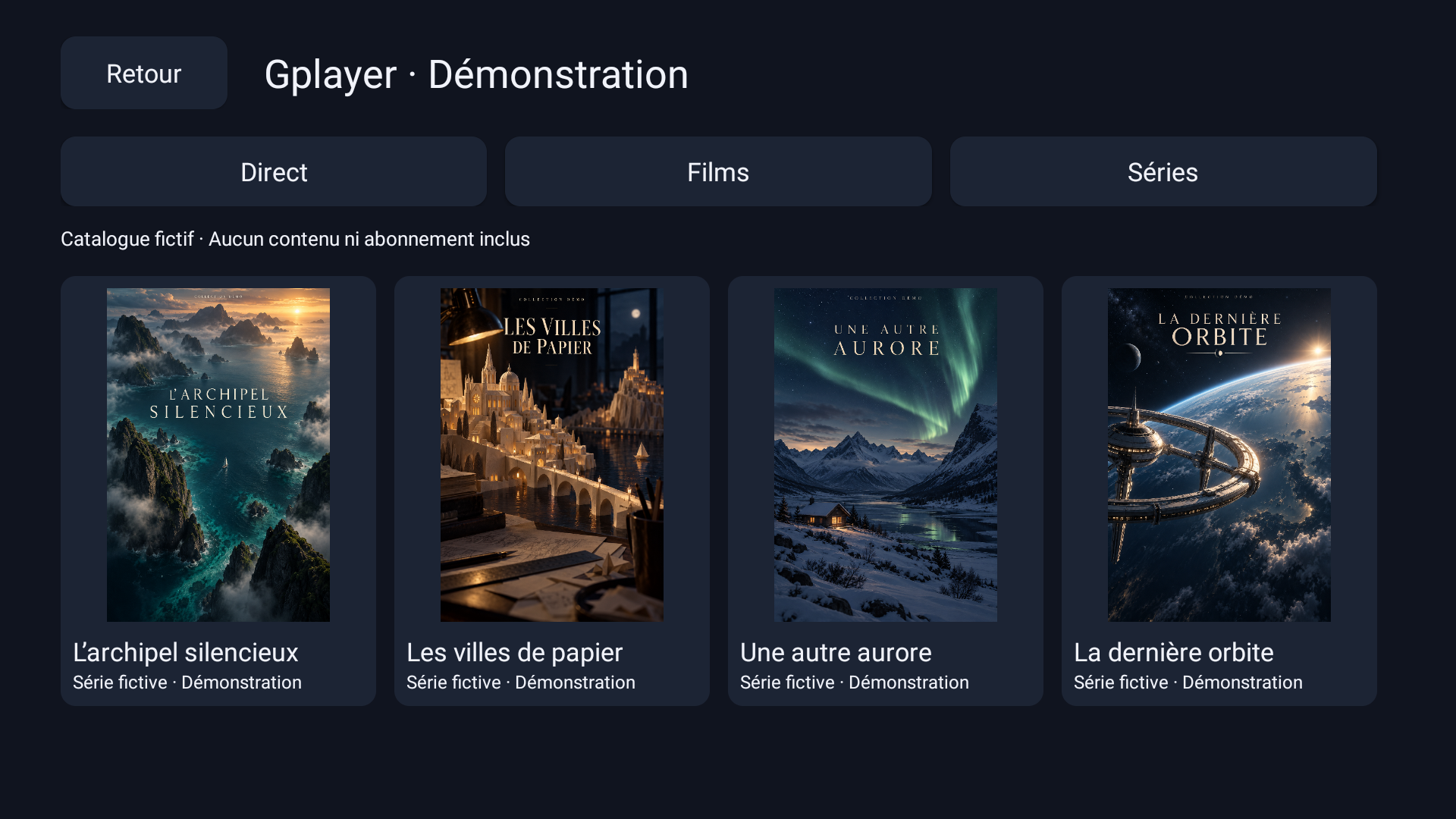
A place for your series
A presentation dedicated to the series from your sources, in the same spirit as the film catalog.
Your TV. Your license.
20 € per device · single payment
Sale and activation coming soonThis edition is in preparation. No payments are currently offered on this page.
From your phone to your TV.
How activation will work when sales open:
Install Gplayer
Download the APK from the official link, to your Android TV or Fire TV.
Scan the QR code
Open the activation page in the browser on your iPhone or Android phone.
Activate your device
Buy a license or redeem a Gplayer gift code. Once confirmed, the license activates the linked TV.
A simple address for Downloader.
The official link remains the same with each update. The currently available version precedes the opening of the licensing service.
gplayer-app.com/android-downloader/Gplayer.apkDesigned for Android TV and Fire TV.
Hardware tests are carried out on Mi Box 4. Validation on the different Fire TV Stick, from Lite to 4K Max, remains to be carried out. Performance and supported formats depend on device and source.
Gplayer is a media player. It does not provide channels, films, series or IPTV subscriptions. Use your own authorized sources.